Portfolio project
Multilingual, allergen-aware menus for restaurants
MenuLingo turns a restaurant's menu into a QR-code menu that guests read in their own language and filter by their allergies. It was built by Paul Saunders and is not taking new restaurants.
How it works
Step 1
Upload the menu
The owner photographs the printed menu or types the dishes in. Claude reads each dish, its ingredients and its likely allergens.
Step 2
Confirm every allergen
Nothing publishes until the owner has reviewed and confirmed each allergen. Every confirmation is logged with a timestamp, so there is a record of what was checked and when.
Step 3
Diners scan a QR code
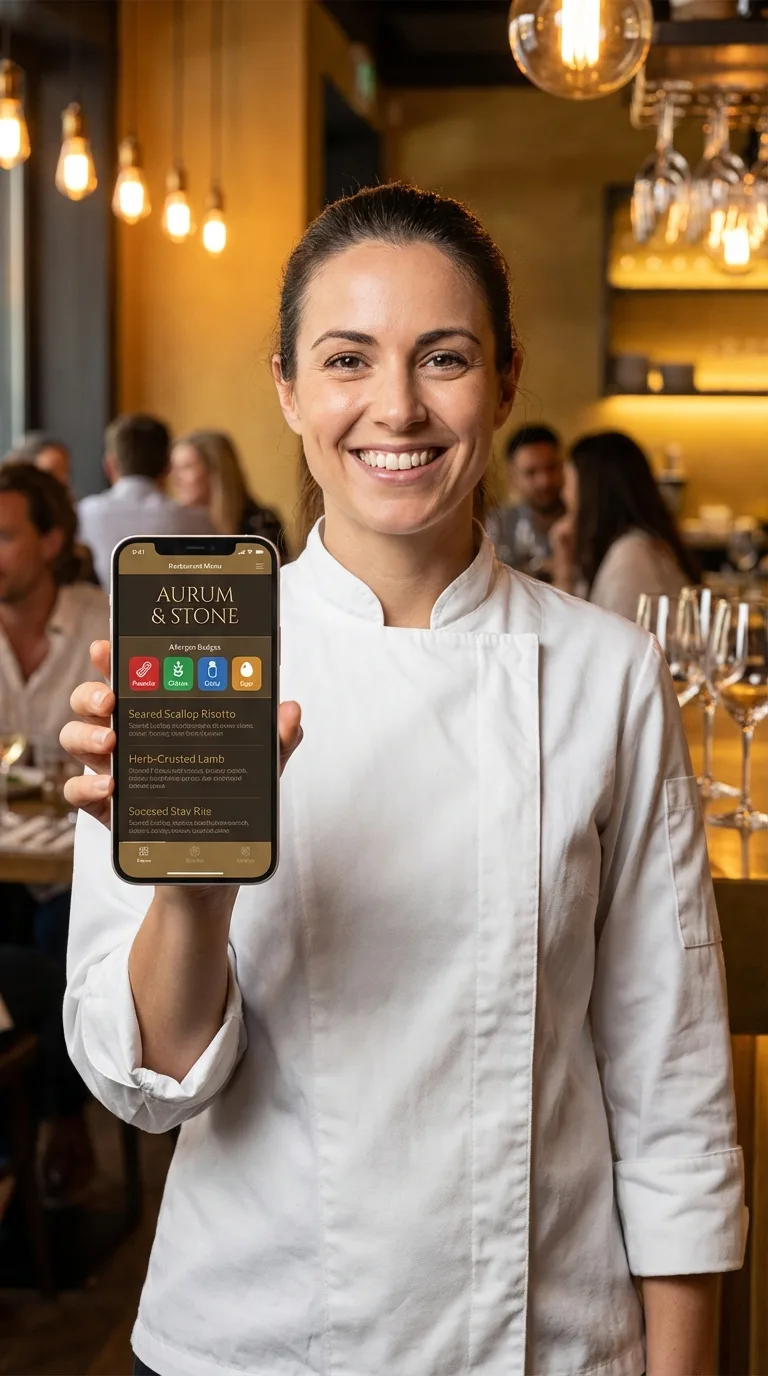
Guests open the menu on their own phone, with no app, choose from 99 languages and filter out their allergens. The filtering runs on the phone, so no health information is sent anywhere.
What it does
Allergen Safety
Detects 16+ allergen categories and maps them to Australia's FSANZ list, the US FDA Big 9 and the EU 14. The owner-confirmed publishing gate means a guess can never go live on its own.
Multilingual Menus
Every dish, description and category is translated into any of 99 languages. Change a dish and every language regenerates, while the QR code stays the same.
Meet the Chef
A chef profile page that sits beside the menu, in every language the menu is in.
Your Story
A page for the restaurant's history and culture, translated alongside the menu.
What a guest sees
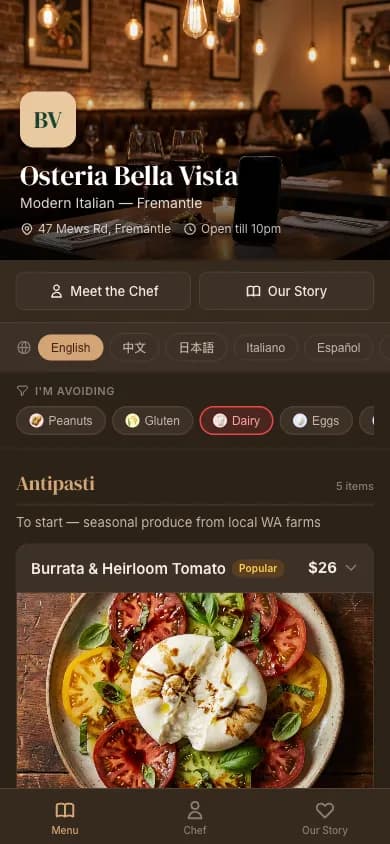
Screens from the product in English, Chinese and Spanish, with the chef and story pages alongside the menu. The demo menu runs in English, Italian and Chinese: switch language and filter allergens yourself.
English Menu
Built with
- Next.js on Vercel
- Supabase for data, auth and storage
- Claude for menu reading, allergen detection and translation
- Stripe billing
- Resend email
MenuLingo is a portfolio project and is not taking new restaurants.
Paul Saunders designs and builds AI systems like this one.
See Paul's work